Levnis keeps every passage connected to its source as it becomes a note, an idea, and a finished piece of work. Read PDFs and EPUBs, develop your thinking across your material, and write on Mac, iPad, and iPhone without rebuilding the context along the way.
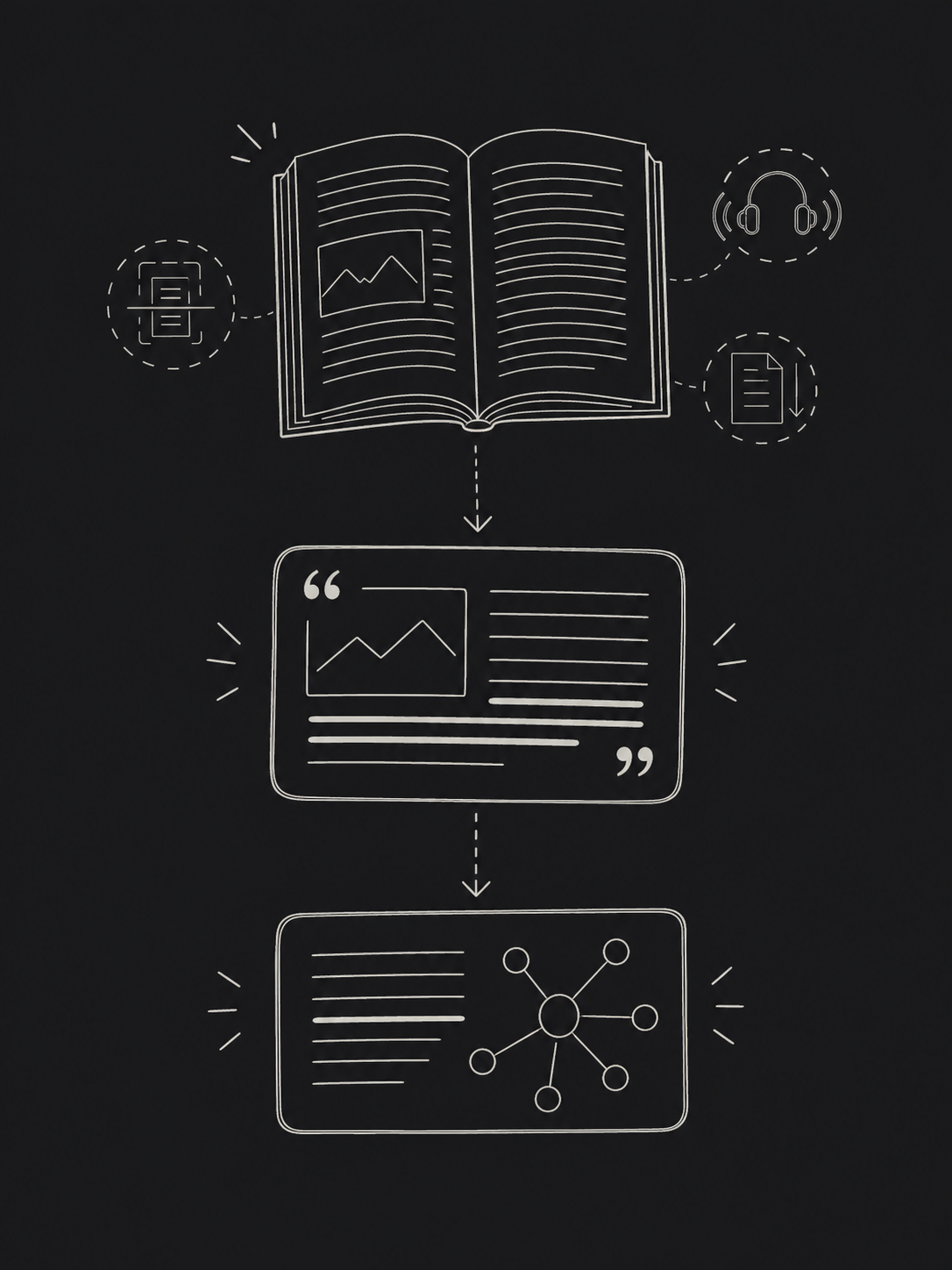
Highlight a passage in a book, paper, report, or scanned document. Its source, page, and surrounding context stay attached as it moves into notes, boards, connections, and writing.
Swipe sideways to continue the flow
Read
Work with PDFs and EPUBs using OCR, read aloud, drawing, automatic scrolling, and essential page tools.
Capture
Underline or highlight once; important passages flow into Quotes with their source and page context intact.
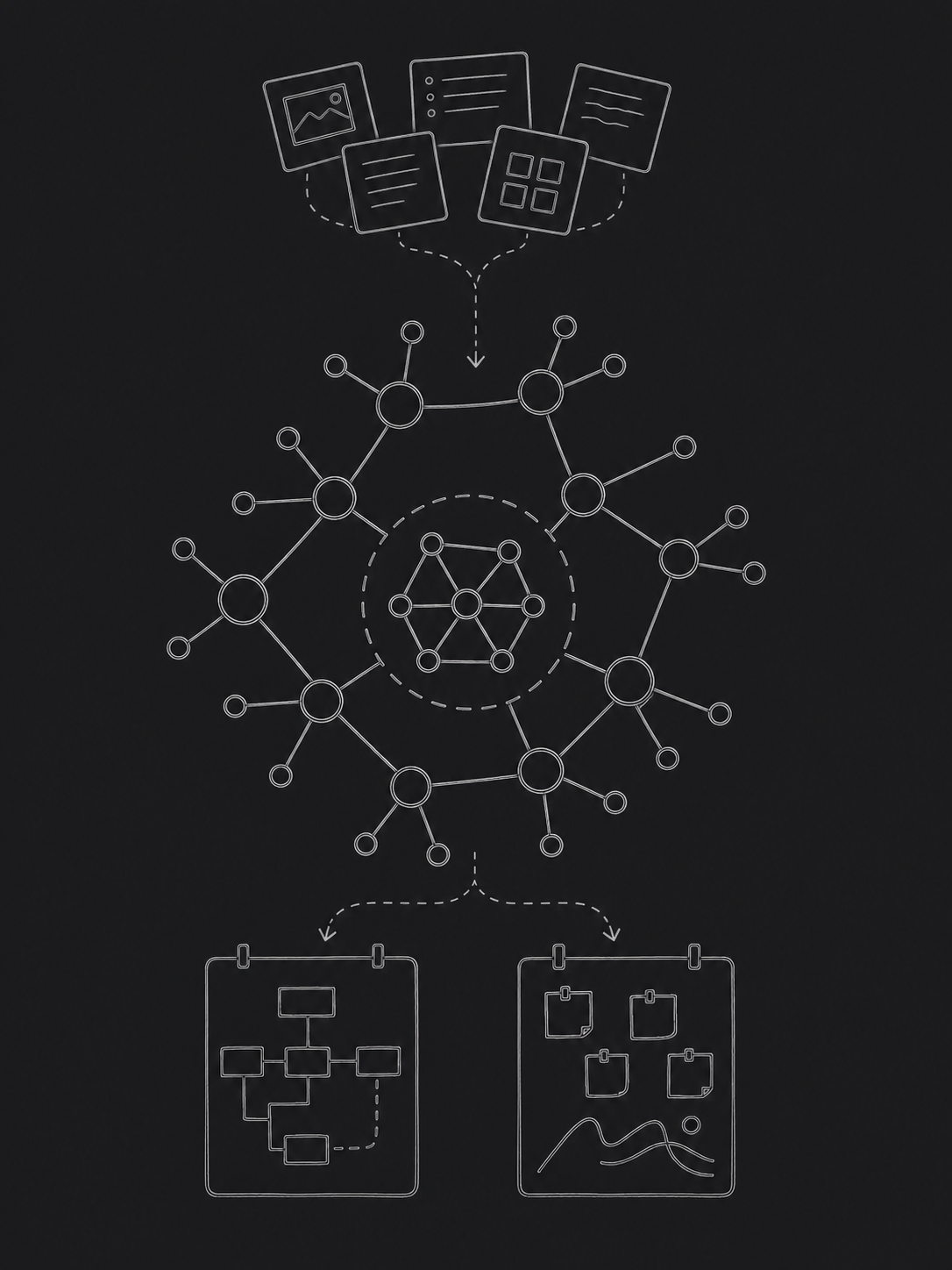
Connect
Bring sources, notes, people, ideas, questions, and evidence together in the Mind Network and on boards.
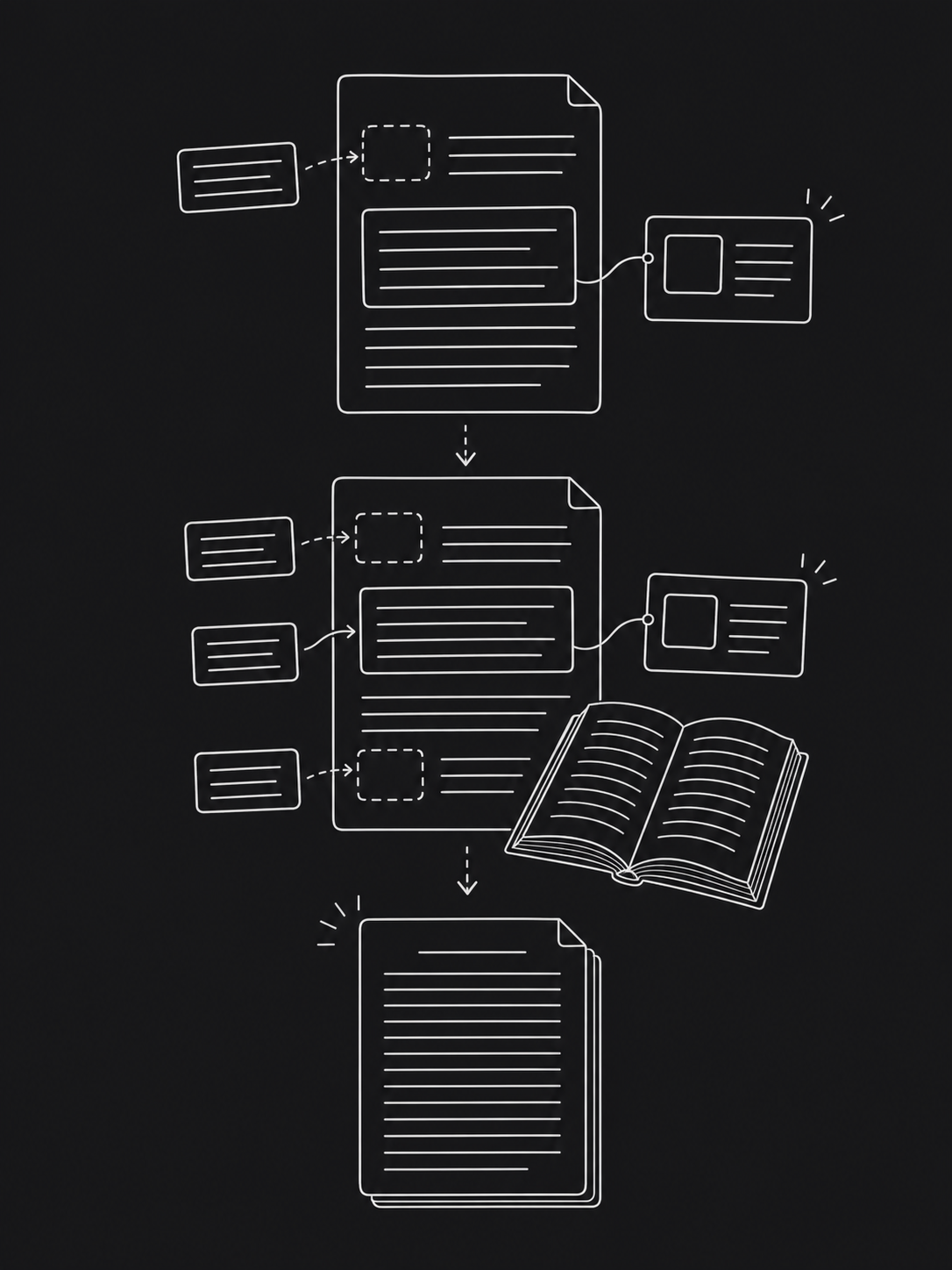
Write
Read and write side by side, then shape assignments, reports, articles, and long-form drafts in blocks or continuous text.
From source to finished work
Information keeps its context as your work takes shape.
A captured passage can become a note, question, claim, board item, connection, or cited section—without losing the trail back to its source.
01
Source
A book, paper, report, or scanned document.
02
Capture
A passage, note, drawing, or page marker.
03
Thought
Your interpretation, question, idea, or claim.
04
Context
Connections to people, concepts, events, and evidence.
05
Work
An assignment, report, presentation, article, or long-form draft.
Reading editor
Read actively, without leaving the page.
From textbooks and papers to business reports, Levnis keeps the tools you need close to the source—and everything you capture ready for what comes next.
Underlines and highlights appear automatically in Quotes
OCR for scanned pages and built-in read aloud
Essential PDF editing, automatic page scrolling, and drawing
Notes, bookmarks, search, and page context stay with the source
Writing and production
Keep the source beside you. Keep the work moving.
Write an assignment, report, article, or long-form project in movable blocks or a familiar continuous document. Bring in quotes, citations, and bibliographies only when you need them.
Create citations and bibliographies from source metadata already attached to your work
Switch between flexible blocks and continuous rich text
Open and read a book beside the document in the same window
Structure long-form work without breaking your focus
Mind Network
Turn scattered knowledge into a structure you can use.
The Mind Network brings sources, notes, people, ideas, events, and work into a living map you can shape around each project.
Create networks and boards for each project or area of thought
Nest as many networks and boards as the work requires
Take block-based notes, build ER diagrams, or draw directly on boards
See how ideas relate in a graph while keeping the underlying content useful
One connected workflow for different kinds of work
Made for people who work with sources.
Study, research, analyze, plan, or write without rebuilding the trail between what you read and what you produce.
01
Study and learning
Move from course readings to connected notes, study material, and assignments without losing page references.
02
Research and analysis
Keep sources, quotes, questions, claims, and evidence together from first reading to final argument.
03
Reports and project work
Connect reports, meeting notes, findings, and decisions on boards, then build the deliverable alongside them.
04
Writing and personal knowledge
Turn reading notes into articles or long-form work while building a knowledge system that remains useful after the project ends.
Try the appearance controls
One color. A workspace that feels like yours.
Choose an icon color and make Levnis feel like your own. The same accent stays consistent on the home screen, in editors, and across tools and actions.
Appearance
Theme
Icon Color
Library
12 documents
Writing
4 drafts
Mind Network
9 items
Quotes
40 quotes
Be among the first to work with Levnis.
Join with your name and email; the workflow questions are optional. Tell us where your current tools fall short and help shape the first release around real study, research, and writing.